Skip to content
Saud AppsIndependent · iOS
Menu

CHAPTER 01 / 05SSHIFT · 4.2SHIFT CALENDAR

SShift app icon Saud Apps · Signal 01SShift

TimeYou canSee.

SShift month calendar showing color-coded work, rest, training, and leave days
REAL PRODUCT SCREEN01 / 07

Plan work, rest, training, and leave in a calendar built around the reality of shift life.

On the App Store iOS · v4.2

Chapter 02 · The scheduling score

Seven days.
Different meaning.

SShift gives every kind of day a stable visual identity, then carries it through the calendar, dashboard, reminders, and export.

MON15Work · W
TUE16Work · W
WED17Training · TR
THU18Annual leave · AL
FRI19Sick leave · SL
SAT20Long cycle · LCL
SUN21Rest · R

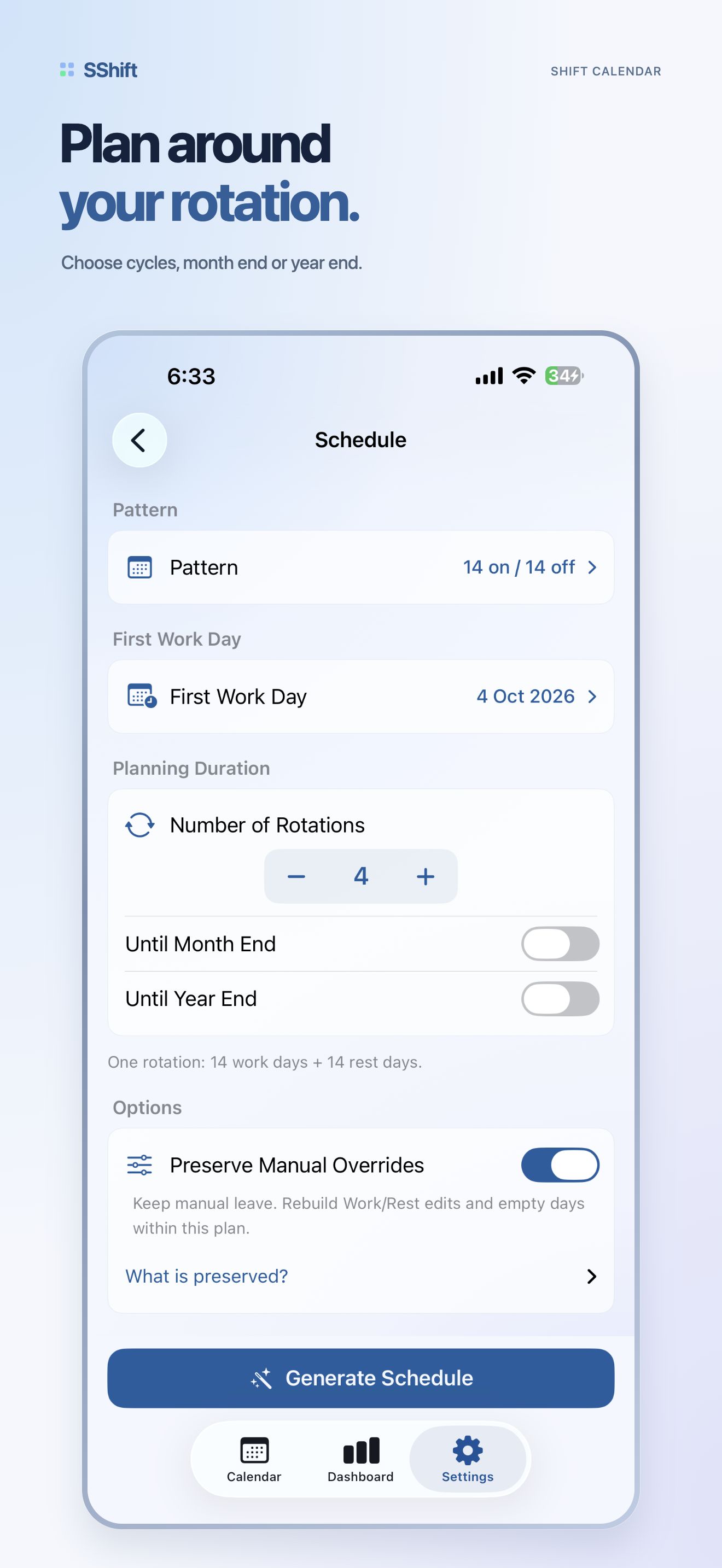
01 / PATTERNCycles repeat without hiding exceptions.Work, rest, training, and leave retain their own names and colors.

02 / NOTICEReminders follow the days that matter.Choose the shift types that should notify you and how far ahead.

03 / HANDOFFThe same logic leaves the screen cleanly.Export a fixed-light PDF in English or Arabic when the plan must travel.

Chapter 03 · The product in motion

Plan. Read.
Adjust.

Three real screens carry the story. The copy points to product evidence instead of describing imaginary controls.

01SEE THE PATTERN
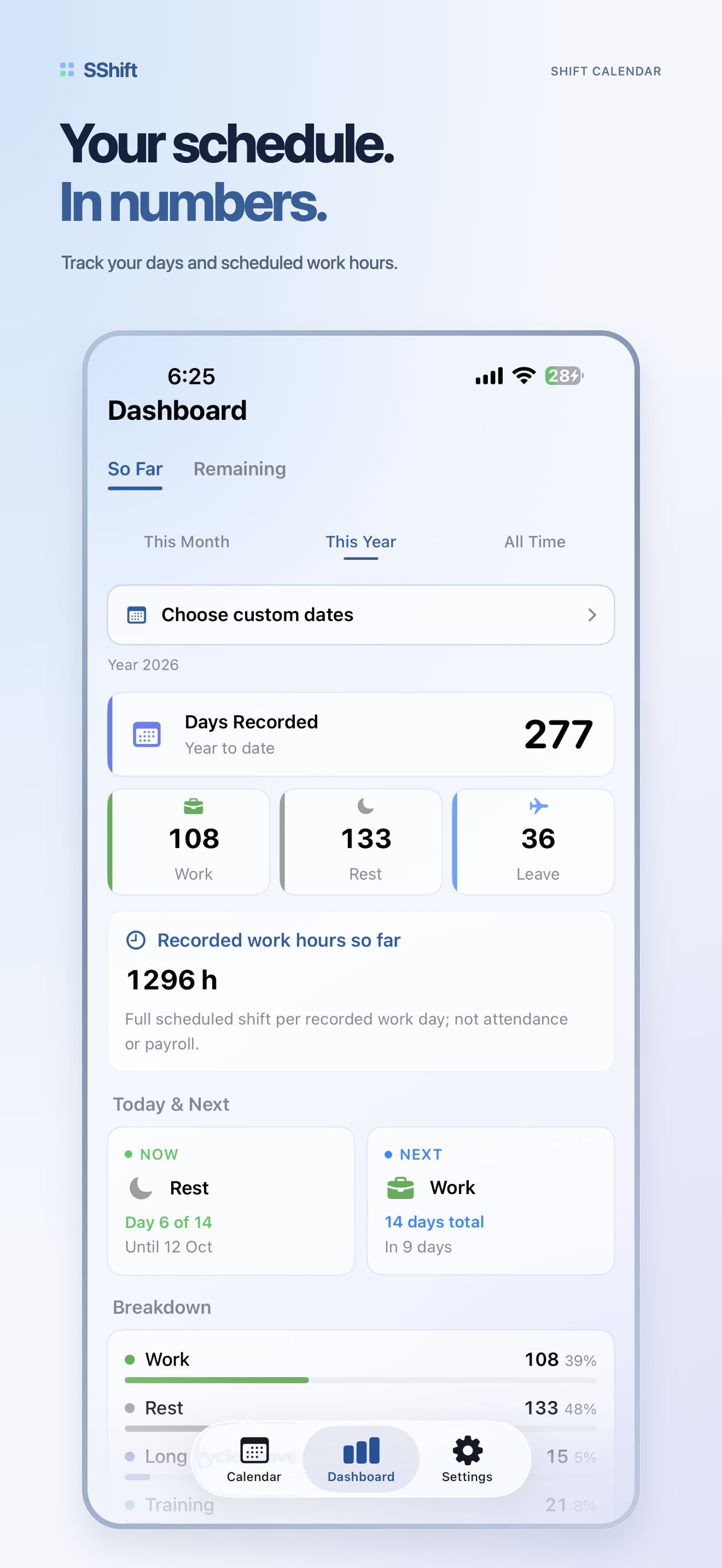
SShift dashboard summarizing the month with work, rest, and leave counts
02 / 07 · DASHBOARDYour month, summed up before the next shift begins.

MONTH TOTALSTYPE BREAKDOWNNEXT EVENT

The cycle becomes legible.

At a glance, the dashboard turns individual dates into a useful view of the month—how much you worked, rested, trained, or took leave.

02SHAPE A DAY
Editing a day in SShift with color-coded shift and leave types
03 / 07 · DAY DETAILExceptions stay part of the same visual language.

TYPECOLORNOTE

Change the date, not the system.

Tap a day, choose the correct shift or leave type, and keep the calendar coherent. The detail view is direct because the schedule is already complex enough.

03DIRECT THE SYSTEM
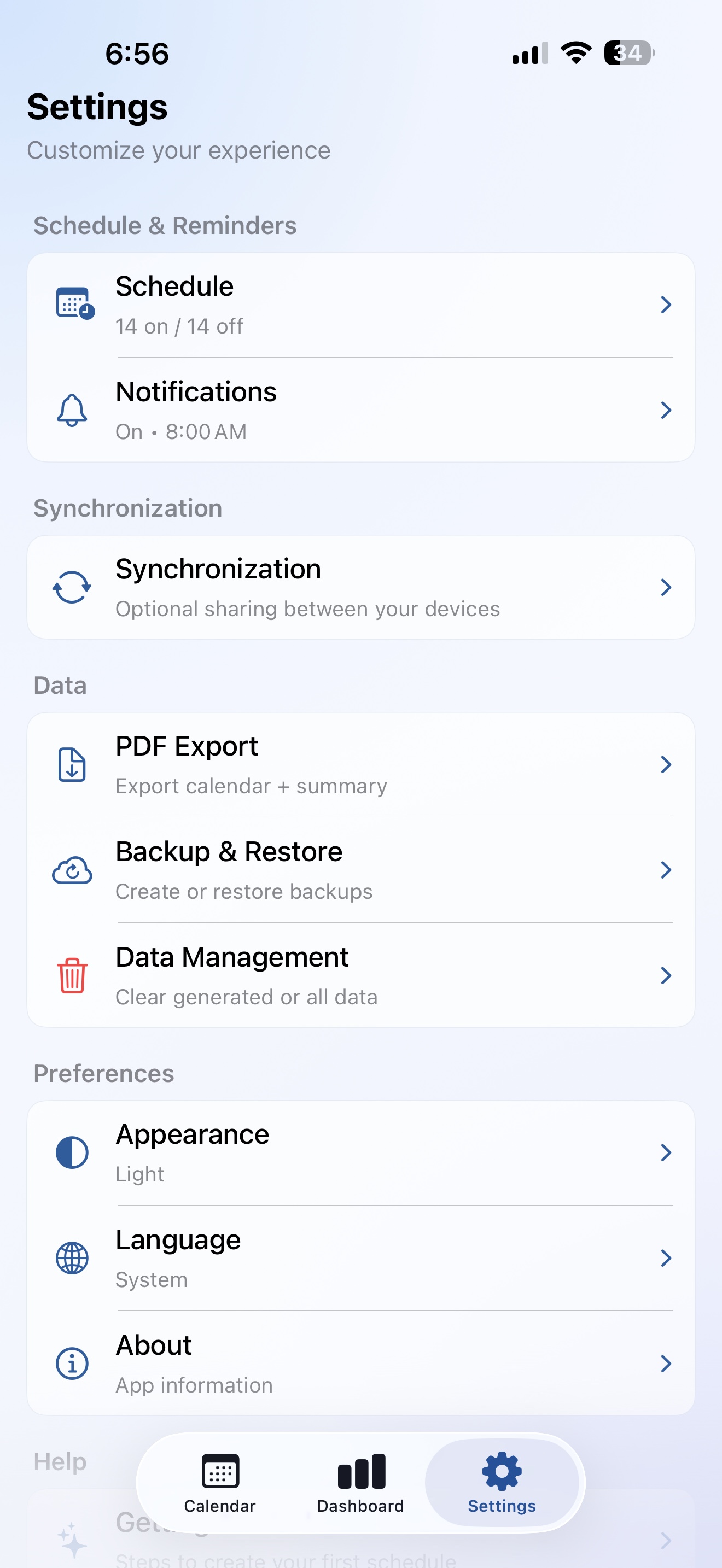
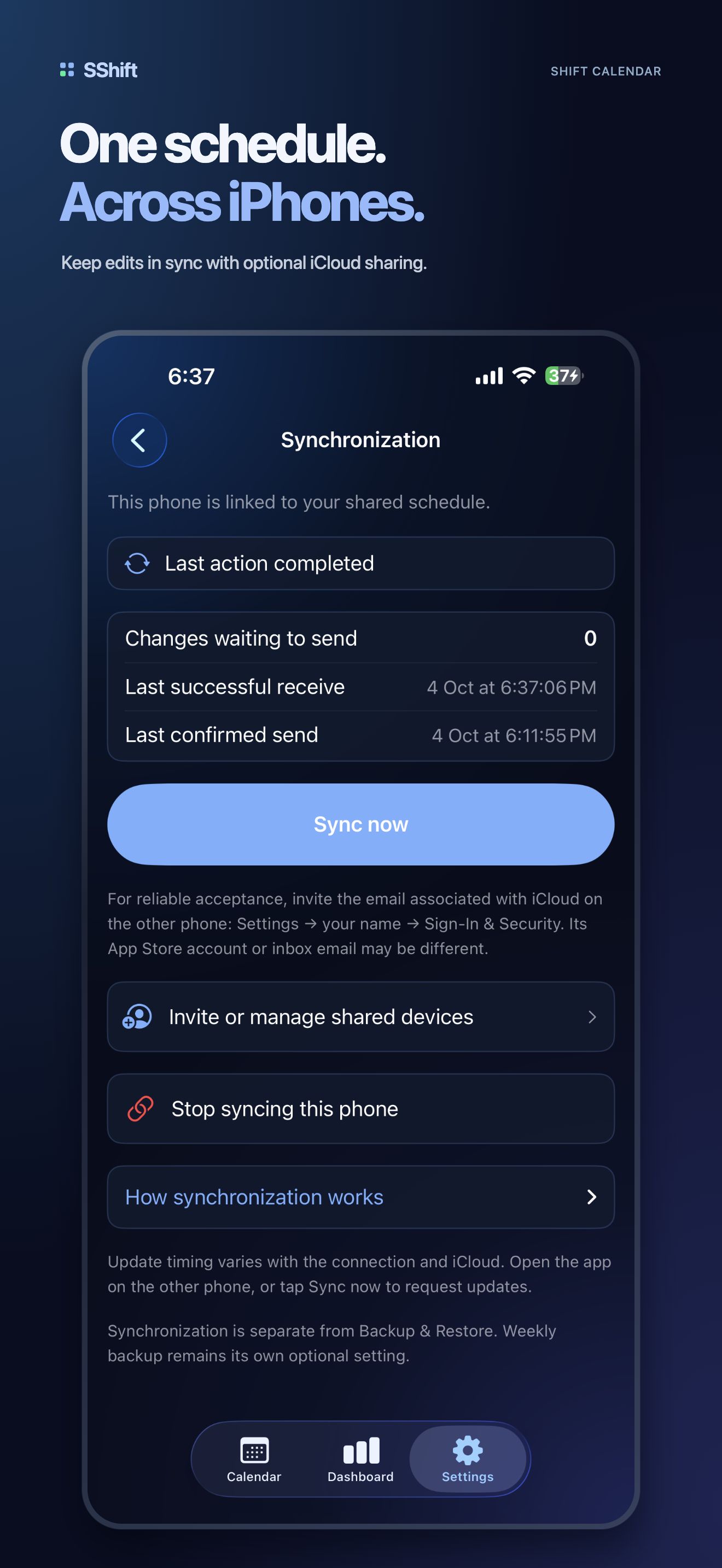
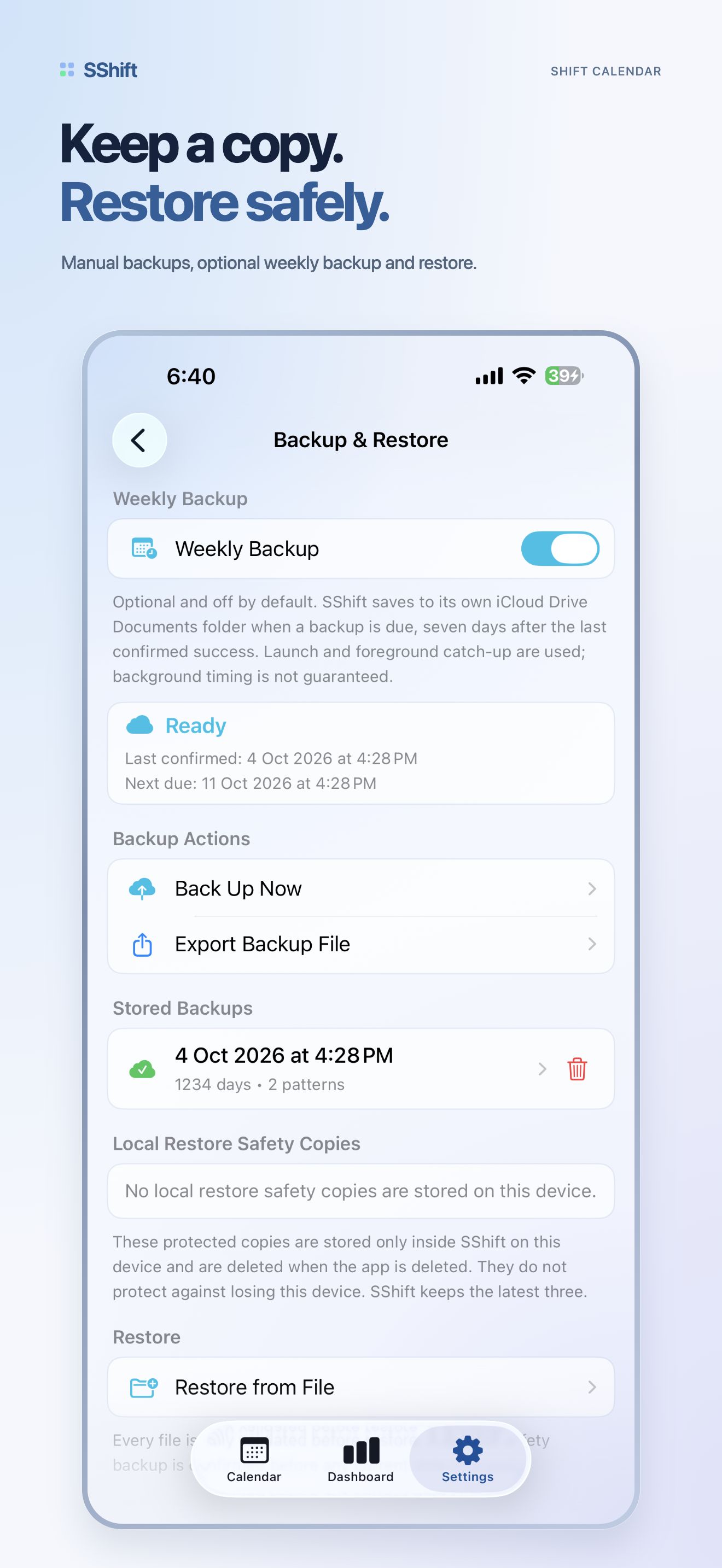
SShift settings for schedule, reminders, PDF export, backup, language, and about
05 / 07 · SETTINGSReminders, export, backup, and language stay within reach.

REMINDERSEXPORTLANGUAGE

Control without an account.

SShift is native, bilingual, private, and offline. Configuration lives with the product—not behind a profile, cloud dashboard, or tracking layer.

Chapter 04 · The complete cut

Four more views.
No filler.

The remaining screens complete the seven-piece record: light, dark, Arabic, and the calendar after hours.

SShift calendar in light mode showing color-coded shift types
01 / 07Calendar · Light
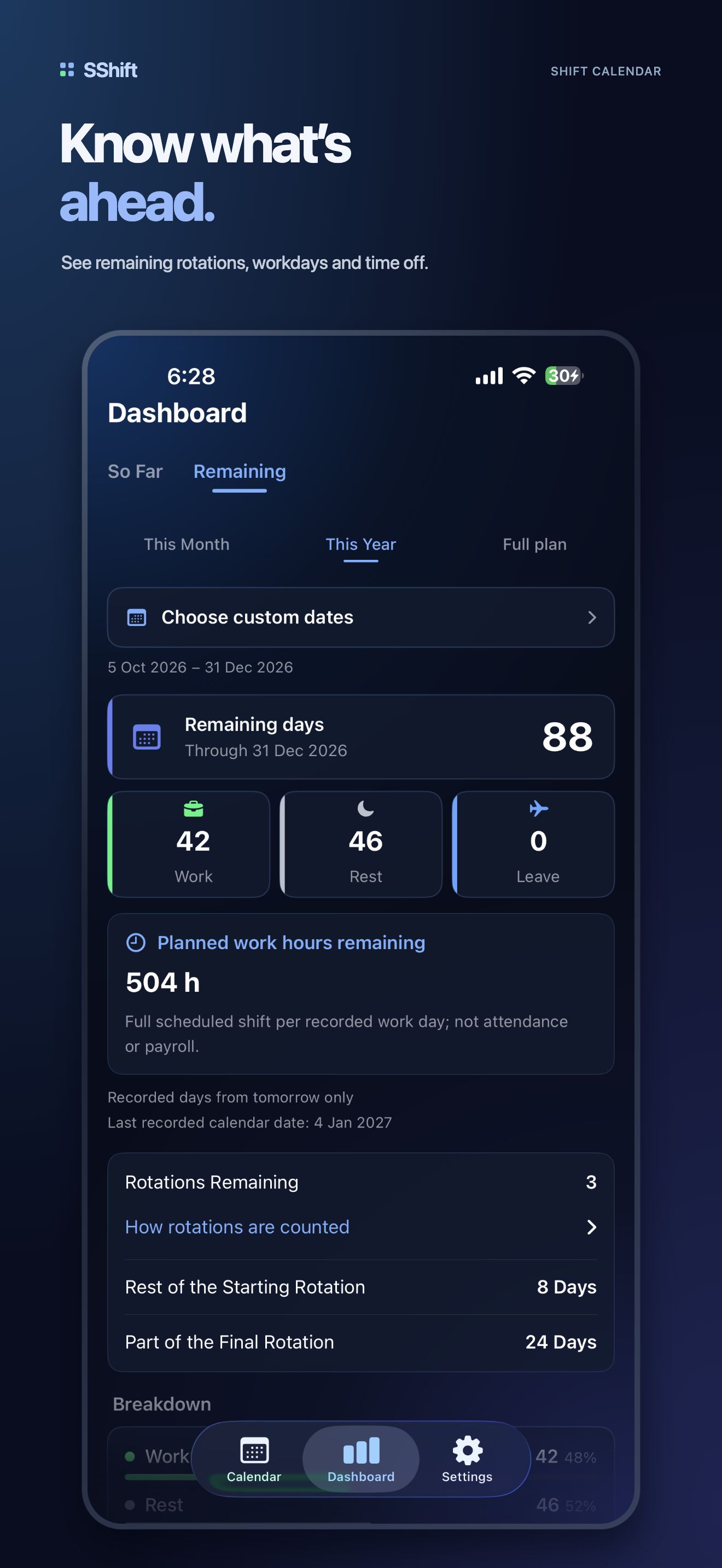
SShift dashboard in dark mode with the monthly summary and type breakdown
04 / 07Dashboard · Dark
SShift calendar in Arabic with a complete right-to-left interface
06 / 07Calendar · Arabic
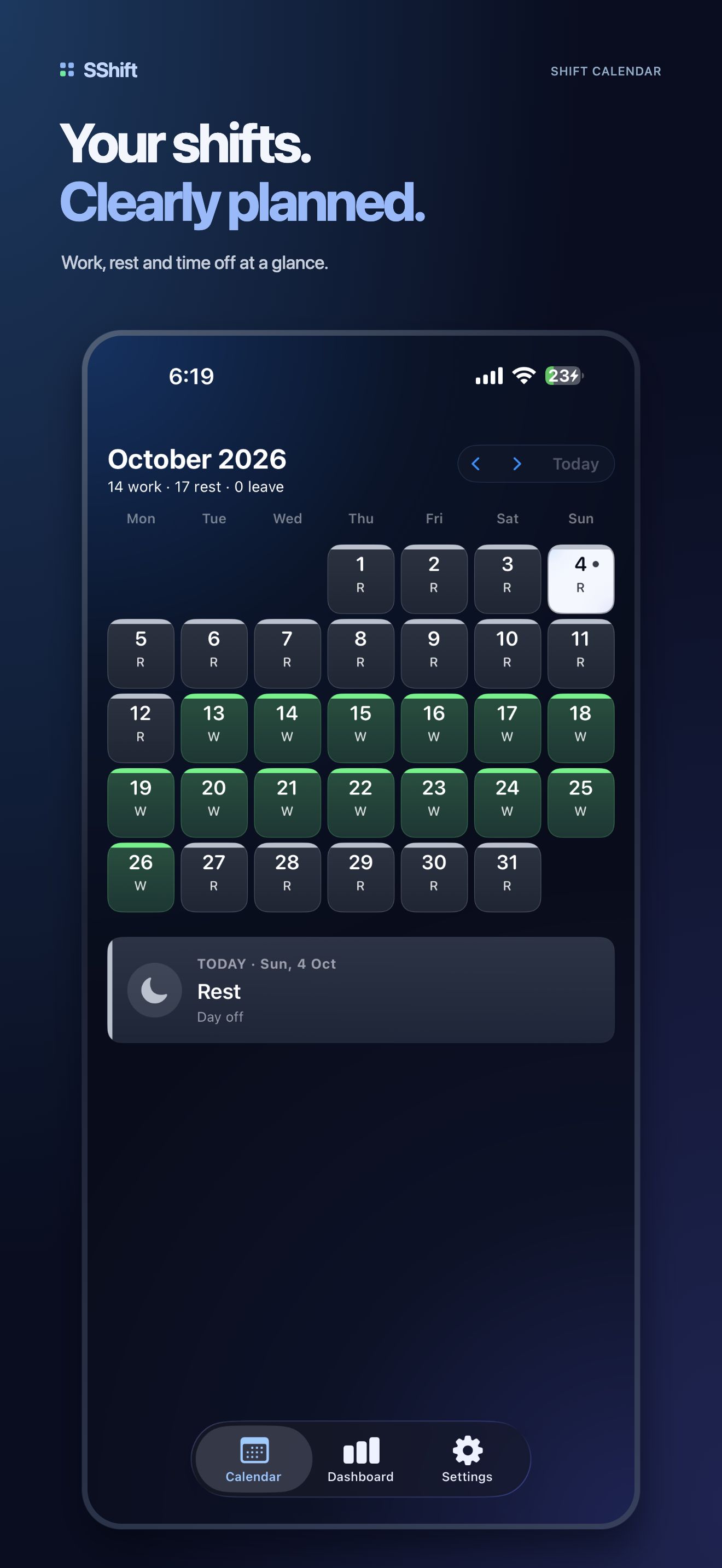
SShift calendar in dark mode showing the real seven-day shift pattern
07 / 07Calendar · Dark

Chapter 05 · Releases and continuity

What changed,
and what stays true.

Release history is rendered from the existing Saud Apps release record.

Private by default

Your schedule stays on your iPhone.

No servers. No analytics. No sign-in. SShift works offline and keeps its focus on the week in front of you.